How To Document With Docusaurus
I’m a Software Developer with a strong foundation in building scalable, accessible, and inclusive products across both early-stage startups and enterprise environments. My experience spans backend-heavy systems, real-time data pipelines, and internal tooling that drives measurable impact.
I currently work at WorkIndia as a Software Development Engineer, where I help design and build robust backend systems, real-time data pipelines, and automation tools that power one of India’s largest job platforms. Previously, I interned at Microsoft and Raven (YC S22), where I contributed to building end-to-end, production-ready features that significantly improved product performance and operational efficiency.
Outside of work, I’m building Evolv, a fitness app designed to go beyond tracking, helping users build intentional workout rituals backed by meaningful insights. It’s been an exciting journey bringing product thinking and engineering together to solve a deeply personal problem.
🧠 Leadership & Mentorship Mentoring junior developers and interns, helping them grow technically and align with real-world engineering best practices.
💡 Community & Communication Beyond code, I’m a people-first engineer. I’ve led developer communities, such as the Google Developer Student Club at university, scaling it to over 2,000 members. I’ve spoken at tech events and enjoy sharing ideas, whether through talks or writing. I also maintain a blog where I explore both the technical and human side of software development.
🛠️ Technical Interests Backend systems • Event-driven architecture • Real-time data pipelines • Internal developer tools • Automation • Platform thinking
Documentation is a backbone for any project without the proper documentation your product is meaningless and is of no use to anyone. Building proper documentation is a must but building it is really a tedious task and that's where Docusaurus comes in.
You may build and maintain documentation websites with the aid of Docusaurus. With the help of MDX, it creates a static React.js website that supports blogs, versioning, and custom pages. A markdown variation called MDX lets you embed JSX into markdown.
I have been using Docusaurus for quite some time and it has almost everything which you need to build awesome mind-blowing documentation. This tutorial is all about getting started with Docusaurus.
Project Installation
Docusaurus requires the latest version of Node.js, getting started with Docusaurus is similar to creating a react app.
Start by creating a new Docusaurus project with the following command:
npx create-docusaurus@latest my-docs classic
Start the project by running npm start in the project directory. You can now see the project running on http://localhost:3000.
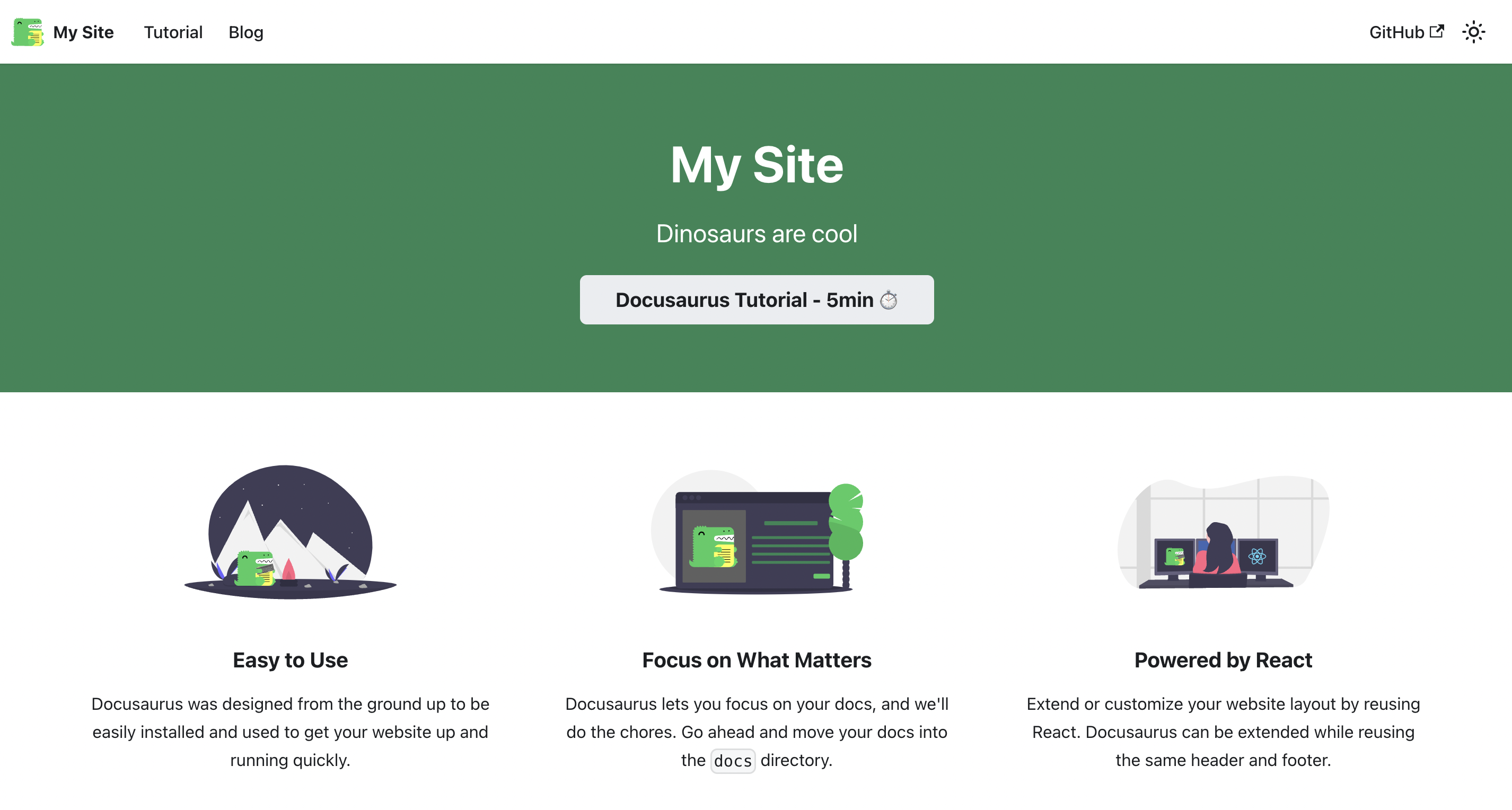
Customize your website
Docusaurus is highly flexible. Components such as navbar and footer, etc are customizable in docusaurus.config.js.
You can customize the title, tagline, and favicon components by changing the corresponding keys in docusaurus.config.js.
  title: 'sidlyf', // title of website
  tagline: 'Learn, Grow and Connect', // used in meta data
  url: 'http://localhost:3000/', // url where websited is hosted
  baseUrl: '/', // path where website is available
  favicon: 'img/favicon.ico', // path to favicon with respect to static dir
  organizationName: 'sid-khuntwal', // github user name
  projectName: 'sidlyf',// project name i.e repo name of project
Documentation
All the documentation is added to the docs folder. You can change it in the docusaurus.config.js file.
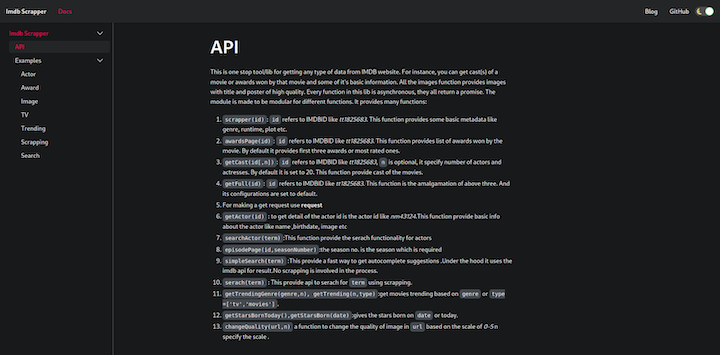
Create the api.md file in the docs folder. Docusaurus will render it automatically and create a table of contents for the .md file.
---
id: api
title: API
---
# My doc
id is used to reference this document in Docusaurus and /docs/{id} is the path to access documentation. The title is the page title for documentation and sidebar_label is the label in the sidebar. Now add the content in your .md.
Conclusion
Now you know the basics of Docusaurus and have all the tools you need to create an excellent documentation website. We walked through how to create basic documentation, build custom pages, and customize the default website.
Docusaurus is highly customizable and supports a wide range of integrations. The tool also supports myriad themes, search features, and image optimization tools.
Happy documenting!